

[Sample] Integrated HMI Production Monitoring
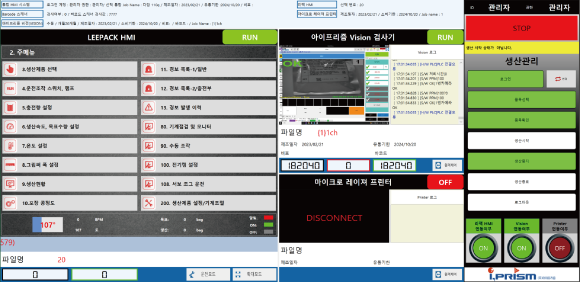
An example HMI layout that brings equipment status, production information and alarm history together on one screen.
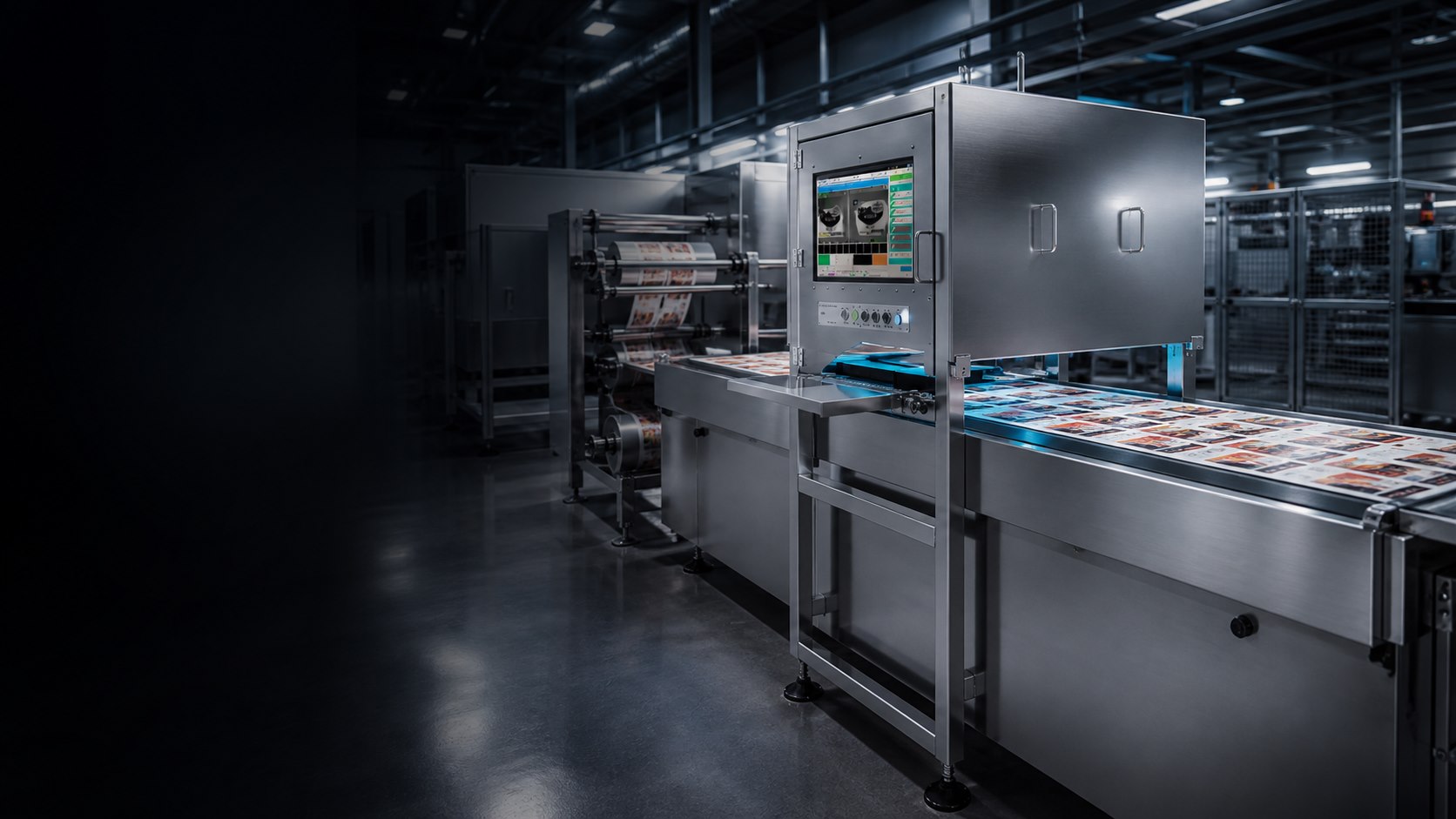
Sample case study
This example demonstrates the case study format. Existing product images are used for reference, and the site and configuration describe a hypothetical scenario.
Site and requirements
This example uses a hypothetical production line with several machines. The proposed layout brings production status and key alarms together so operators can review information from one screen.
Proposed configuration
- Bring machine running status and key operating information into the HMI.
- Display product and production information together.
- Record alarm history with the time and machine name.
- Show the connection status of marking and vision inspection equipment.
Example screen
The image below is an existing integrated HMI product screen used for reference.
Operating flow
- Review the selected product and machine status.
- Monitor operation and the connection status of marking and inspection equipment.
- Review the relevant machine and history when an alarm occurs.
- Review production information after the job.
Points to review
The proposed layout prioritizes information used on site and defines alarm displays and operator permissions around operating requirements. Actual implementation requires confirming machine communication methods and integration scope.